When I first spoke to this firm, they weren't sure automation was even relevant to them. They're a small legal practice in Lagos - a tight team, handling a steady stream of client inquiries every week. Not a big operation, but a busy one.
The person I spoke to described their intake process the way most people describe something they've stopped really seeing: "We just handle it manually. Someone reads the email, puts the details into our system, makes sure the files are saved. It's fine."
It wasn't fine. It was just so normal to them that they'd stopped noticing how much time it was taking.
What "Handling It Manually" Actually Looked Like
Here's what happened every time a potential client sent an email to the firm.
Someone on the team would open the email and read through it. If there were attachments - documents, evidence, contracts - they'd download those to their desktop. Then they'd open the firm's case management software (they use Clio) and search for the client's email address to check if they were already in the system. If they were a returning client, they'd create a new matter and link it. If they were new, they'd create a contact first, then create the matter.
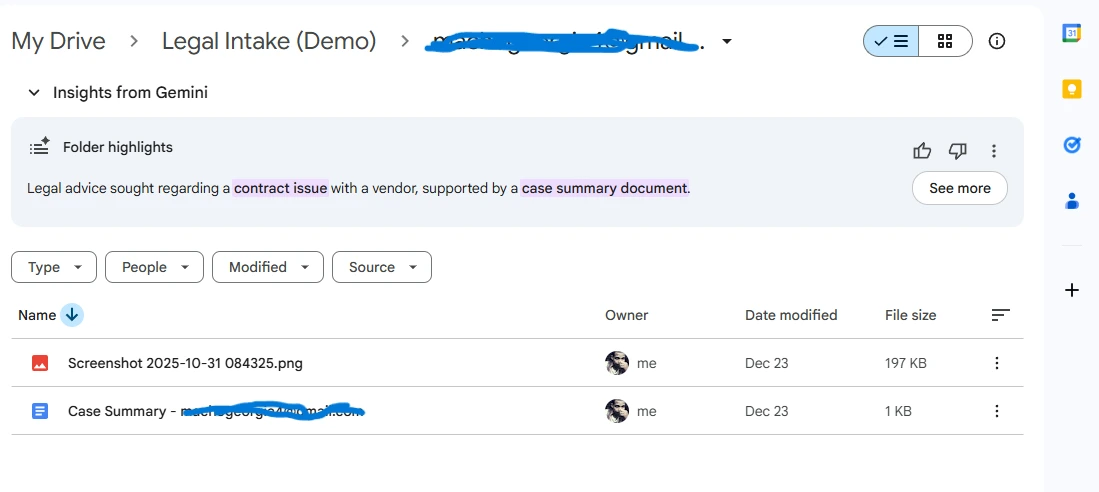
Then they'd type a summary of the case into the matter notes. Not a copy-paste - an actual typed summary, because the original email was usually unstructured and they needed it in a specific format. Then they'd go back to the email, download the attachments again if they'd forgotten, and save them to the right folder in Google Drive. If the folder didn't exist yet, they'd create it first.
The whole thing took 15 to 20 minutes per inquiry. On a quiet day with two or three inquiries, that's manageable. On a busy week, that's hours of time from someone qualified enough to be doing actual legal work.
"The emails don't stop coming at 5pm. But the person processing them does."
There was another problem nobody had really named yet: the process only ran during office hours. A client who emailed on Friday evening waited until Monday morning. A client who emailed at midnight before a hearing sat in an unread inbox. The firm had no visibility into those inquiries until someone physically sat down to open their email.
The Actual Cost of This
Let's be straightforward about the numbers. If you're processing 10 client inquiries a week at 20 minutes each, that's over 3 hours of staff time - every week - on a task that produces nothing except a record that should have been created automatically. Over a year, that's roughly 160 hours. That's a month of working days spent copying information from emails into software.
And that's assuming no mistakes. In practice, manual data entry means occasional typos in names and email addresses. It means sometimes a returning client gets created as a new contact because someone didn't search carefully enough. It means a duplicate record in Clio with the case history split across two entries. Cleaning that up takes time too.
Duplicate client records in a legal CRM aren't just inconvenient. They mean fragmented case history - past matters, notes, and billing records that don't surface when you search the client's name. The error has compounding downstream effects.
What We Built
The goal was straightforward: the moment a client email arrives, everything that used to happen manually should happen automatically. By the time anyone opens Clio, the work should already be done.